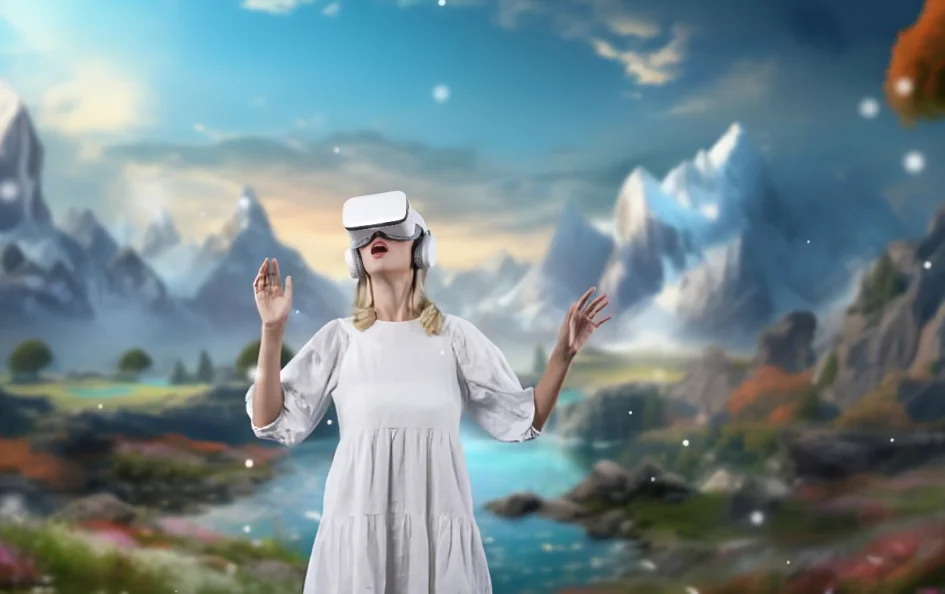

A fantasy art generator is like a magic wand for your creativity. In just a few clicks, you can design epic castles, enchanted forests, or fierce mythical creatures ,without needing years of artistic training.
Whether you’re a writer wanting to illustrate a story, a game designer building immersive environments, or a hobbyist exploring your imagination, these tools make creating beautiful fantasy art fast, affordable, and incredibly fun. In this guide by Updatednetworth, you’ll learn how fantasy art generators work, which tools are the best in 2026, and how to craft prompts that turn your ideas into breathtaking visuals.
Fantasy Art Generator Overview
A fantasy art generator is a tool, often powered by artificial intelligence, that creates images based on descriptions you provide.
For example, you might type:
“A glowing river winding through a dark, enchanted forest, with silver mist rising under a crescent moon.”
And the AI will turn your words into a detailed, original image in seconds.
These generators are trained on large collections of art so they can understand different artistic styles, compositions, and fantasy elements like mythical creatures, magical landscapes, and surreal lighting effects.
Benefits of a Fantasy Art Generator
Fantasy art generators are popular in 2026 because they remove barriers between your imagination and the final artwork.
Key advantages include:
- Speed – Create stunning art instantly, without weeks of manual work.
- Accessibility – No advanced drawing skills needed whatsoever.
- Affordability – Many tools are free or low-cost.
- Variety – Explore radically different styles and settings within minutes.
For professional artists, these tools serve as powerful concept accelerators. For non-artists, they are a completely new gateway into visual creativity.
How It Works Fantasy Art Generator
While the results may look magical, the process is grounded in technology. Here is the basic workflow of a fantasy image creator:
- Input – You type a text prompt or upload a reference image.
- Interpretation – The AI analyzes the request, breaking it into visual elements.
- Generation – It creates an image by combining learned patterns from its training data.
- Refinement – You adjust quality, style, and size to perfect the output.
Some advanced tools in 2026 also allow inpainting (editing specific areas of an image) or outpainting (extending scenes beyond the original image frame) for even greater creative control.
Best Fantasy Art Generator Tools
Not all fantasy art generators are created equal. Here are some of the most popular and effective ones:
- Midjourney: Famous for cinematic, high-detail artwork.
- DALL·E 3: Excellent for following prompts accurately.
- Stable Diffusion: Open-source with advanced customization.
- NightCafe: User-friendly with plenty of style options.
- Fotor: Great for combining generated art with photo editing.
If you’re serious about quality, testing multiple tools will help you discover which suits your style best.
Writing Prompts for a Fantasy Art Generator
The art you get depends heavily on the prompt you write. A simple prompt might give you a generic result, but a well-crafted one can deliver something truly extraordinary.
Prompt Formula:
[Main Subject] + [Style] + [Details] + [Mood/Lighting]
Example:
“A crystal fortress floating in the sky, with waterfalls spilling into the clouds, in a dreamy watercolor style.”
Tips:
- Mention specific colors, lighting conditions, and artistic style.
- Include specific fantasy elements such as griffins, glowing mushrooms, or ancient ruins.
- Add mood words like “mystical,” “epic,” “serene,” or “ominous.”
- The more specific and descriptive you are, the closer your result will match your vision.
The more specific and descriptive you are, the more your fantasy art generator will match your vision.
Character Design with a Digital Fantasy
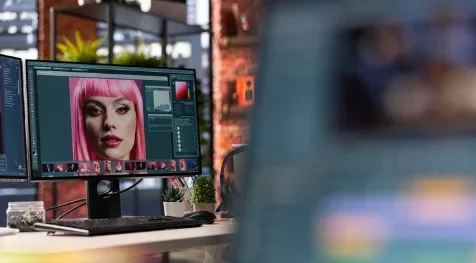
Creating characters for your stories or games can be time-consuming, but a fantasy art generator speeds things up dramatically. You can instantly visualize warriors, sorcerers, elves, or dragons by typing a clear description.
For example:
“A battle-worn elf ranger with emerald eyes, wearing leather armor, standing in a misty forest” will produce a detailed, styled portrait. This not only saves hours of drawing but also sparks new character ideas you might not have thought of.
This produces a detailed, styled portrait that not only saves hours of drawing but also sparks new character ideas you might not have thought of on your own.
Some tools in 2026 even let you tweak specific elements — like hair color, clothing style, or facial expression — so you can refine your character design until it is exactly right.
Creating Landscapes with an AI Fantasy Artwork Tool
Fantasy worlds thrive on their landscapes, towering mountains, enchanted forests, or glowing crystal caves. A fantasy art generator lets you bring these places to life almost instantly.
By describing terrain, weather, and mood, you can generate breathtaking scenes. For instance:
“A stormy cliffside overlooking a violet ocean, with lightning illuminating ancient ruins” instantly sets a tone for an epic adventure.
These landscapes are perfect for book covers, world-building, or even as reference art for traditional painting.
Mixing Hand Art with a Fantasy Art Generator
f you are a working artist, you do not have to choose between hand-drawing and AI tools, you can combine them for outstanding results. Start with your own sketch, then use a fantasy art generator to add textures, colors, and lighting effects.
This hybrid approach keeps your personal artistic touch intact while enhancing detail and realism. It is especially useful for polishing backgrounds or adding fantasy lighting effects that would take hours to recreate by hand.
You can also reverse the process: generate an AI image first, then trace, modify, or paint over it for full creative control over the final piece.
Storytelling Using a Fantasy Art Generator
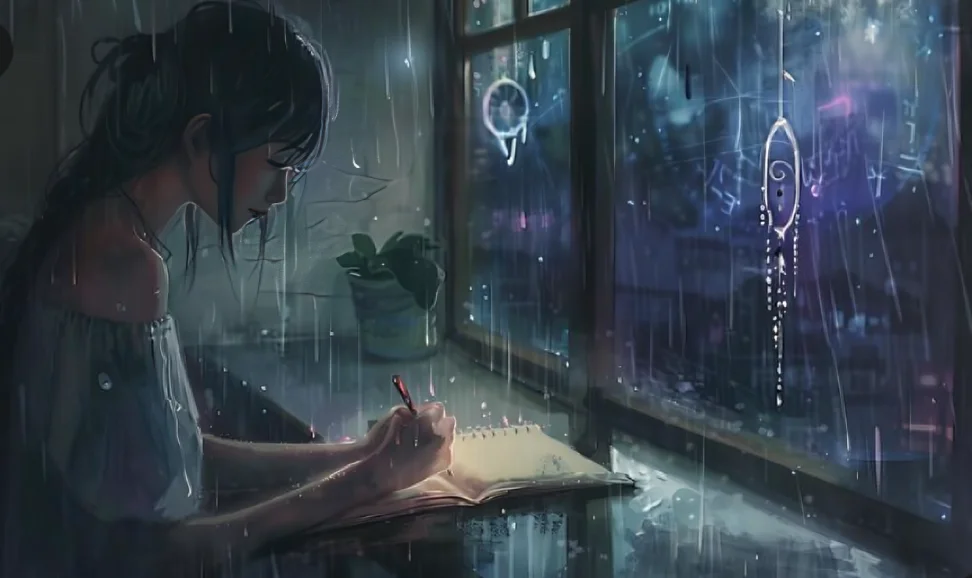
Visuals are powerful storytelling tools. A single image from a fantasy art generator can inspire an entire plotline or setting.
Authors often use these images as reference points while writing. Game designers build levels based on AI-generated concept art. Role-playing game masters create scene cards to immerse their players in the world.
The more specific your prompts, the more your generated art will match the story you want to tell, making it a perfect companion for creative writing.
Ethical Use of a Fantasy Art Generator
With great power comes responsibility. While fantasy art generators are amazing tools, they also raise questions about copyright and artistic credit.
Always make sure you have the rights to use generated images commercially. Some platforms allow it; others don’t. Also, avoid directly imitating the work of a living artist without permission, as it can blur ethical lines.
The safest approach is to use AI art for inspiration, not direct replacement of human-made work, especially when originality is your goal.
Customizing Styles in a Fantasy Art Generator
One of the biggest advantages of a fantasy art generator is its remarkable style flexibility. You can create art that looks like an oil painting, a comic illustration, a watercolor, or a fully rendered 3D scene.
Experimenting with different styles can completely transform the mood of your scene. A glowing forest might feel whimsical in watercolor but deeply mysterious in dark digital art.
Tips for customizing styles:
- Mention the art style explicitly in your prompt, for example: “in watercolor style” or “cinematic concept art..
- Try mixing styles such as “steampunk + fantasy illustration” for unique hybrid results.
- Save multiple style versions to compare and choose the most effective one for your project.
Using a Fantasy Art Generator for Game Design
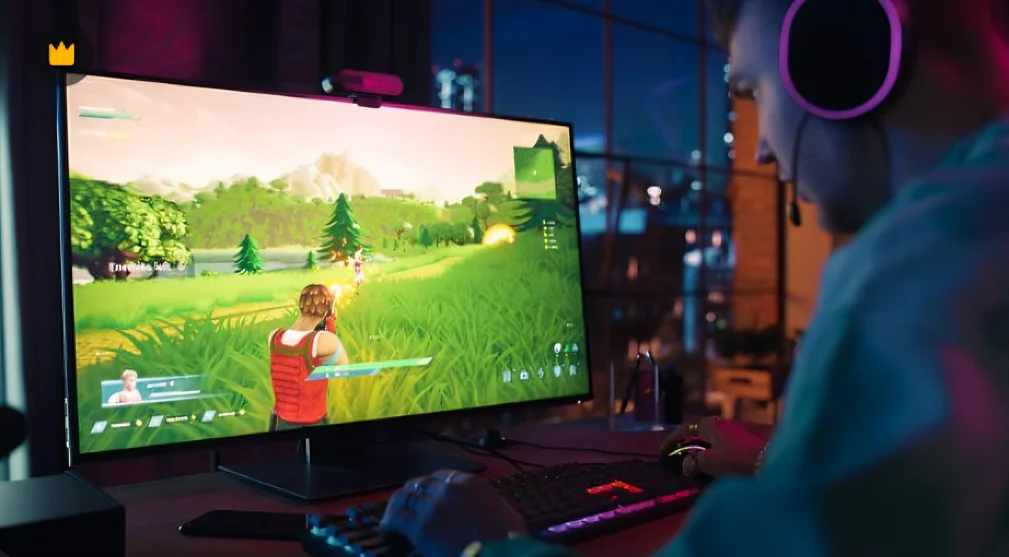
Game designers in 2026 regularly use AI-generated art to create concept visuals for characters, weapons, maps, and environments. This significantly speeds up the brainstorming stage and helps the entire team visualize ideas quickly and cost-effectively.
You can generate maps, background scenes, or item designs, then adapt them to your game engine. Some tools even let you output in resolutions suitable for in-game use.
Tips for game design use:
- Keep prompts consistent across a project to maintain a cohesive art style throughout the game.
- Use generated art as placeholders during early development stages.
- Refine final versions to ensure unique branding and originality for your released product.
- Some tools output in resolutions suitable for direct in-game use, saving additional production time.
Fantasy Art Generator for Book Covers
A fantasy art generator can be a powerful ally for authors needing eye-catching covers. It can create a striking image that captures the essence of your story and draws readers in.
Since book covers need to communicate a theme instantly, detailed prompts are crucial. Include colors, mood, and key objects to represent your plot.
Tips for book covers:
- Focus on one main subject for clarity.
- Ensure text space is available on the cover.
- Test multiple styles to see which grabs attention.
Improving AI Results with Post-Editing
Even the best fantasy art generator won’t always produce perfect results. Post-editing can fix minor flaws and refine details.
You can use software like Photoshop, GIMP, or Canva to adjust colors, remove unwanted elements, or add extra effects.
Tips for post-editing:
- Upscale images for higher resolution.
- Adjust lighting for a better atmosphere.
- Remove visual noise or blurry spots.
Combining Multiple Fantasy Art Generator Outputs
Sometimes, a single image is not enough to tell the full story. You can generate several separate images and blend them into one cohesive composition using professional editing software.
For example, generate separate images for the background landscape, foreground characters, and magical lighting effects, then merge them in layers for precise creative control over the final piece.
- Match color palettes across all generated images before combining for visual consistency.
- Keep lighting direction and intensity consistent across all elements for a realistic result.
- Use layers in editing software for maximum flexibility when assembling the final composition.
Conclusion
A fantasy art generator opens up endless creative possibilities for artists, writers, game designers, and hobbyists alike. Whether you are designing epic characters, breathtaking landscapes, or immersive game worlds, these AI-powered tools give you the ability to turn your ideas into stunning visuals in minutes rather than months.
By experimenting with prompts, exploring different styles, and combining AI output with post-editing, you can create artwork that feels genuinely unique while saving significant time and resources. With responsible and imaginative use, a fantasy art generator is one of the most exciting and powerful tools available to modern creators in 2026.
Stay updated on the latest AI art tools, creative guides, and industry insights at Updatednetworth.
FAQs
What is a fantasy art generator?
A fantasy art generator is an AI-powered tool that creates artwork based on written descriptions or uploaded images. You type a prompt describing your scene — such as an enchanted forest or a mythical creature — and the AI generates a detailed, original image in seconds without any drawing skills required.
Which is the best fantasy art generator in 2026?
The best fantasy art generators in 2026 include Midjourney for cinematic quality, DALL·E 3 for accurate prompt following, Stable Diffusion for open-source customization, NightCafe for ease of use, and Fotor for combining AI art with photo editing. Testing multiple tools is recommended to find the best fit for your style.
Can I use fantasy art generator images commercially?
Yes, but it depends entirely on the platform’s license terms. Always check the tool’s specific license before selling or publishing AI-generated art commercially. Some platforms like Midjourney offer full commercial licenses on paid plans, while others have restrictions on commercial use.
How can I improve my results with a fantasy art generator?
Use specific, detailed prompts that include the main subject, art style, lighting, mood, and color details. The best-performing prompt formula is: [Main Subject] + [Art Style] + [Details] + [Mood/Lighting]. The more descriptive and precise you are, the more your result will match your creative vision.
Are fantasy art generators free to use?
Some fantasy art generators offer free versions with limited daily generations or lower resolution outputs. Tools like NightCafe and Stable Diffusion have accessible free tiers, while Midjourney requires a paid subscription for full access. Paid plans typically start at around $10 per month depending on the platform.